30-day postage paid returns
Free shipping for orders more that $200
Get 30% off for your first order

Cart

Your cart is currently empty.

Continue shopping
1 / 1

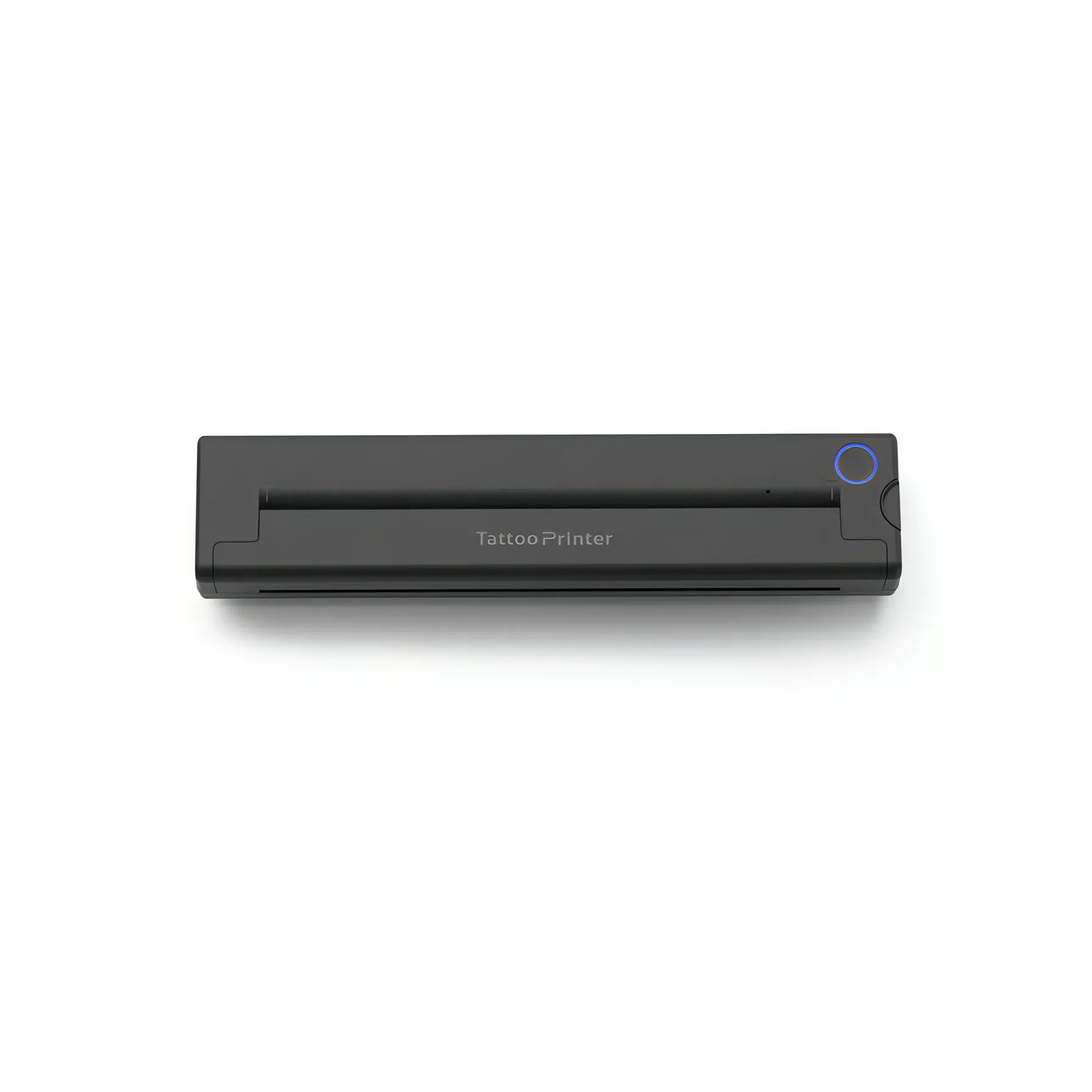
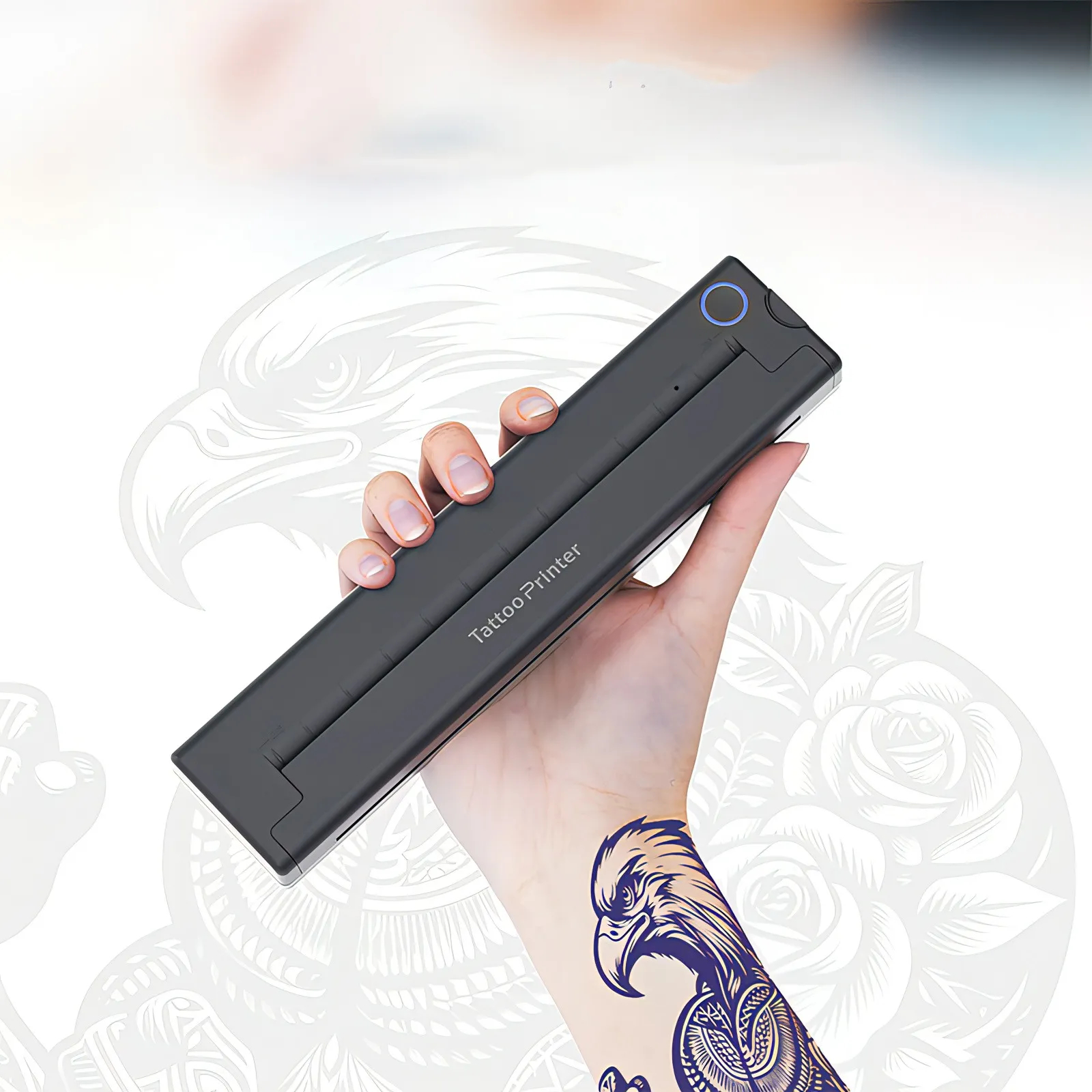
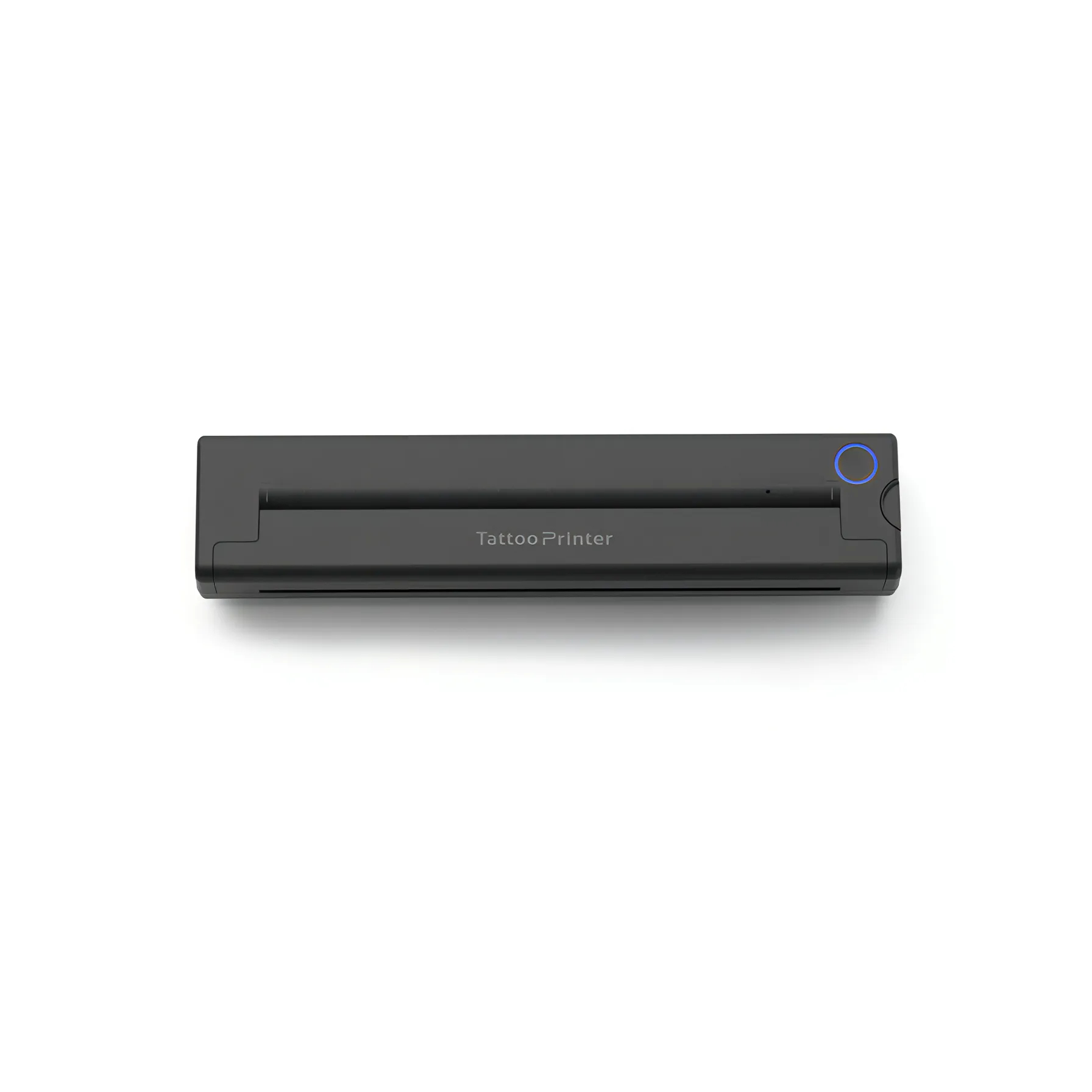
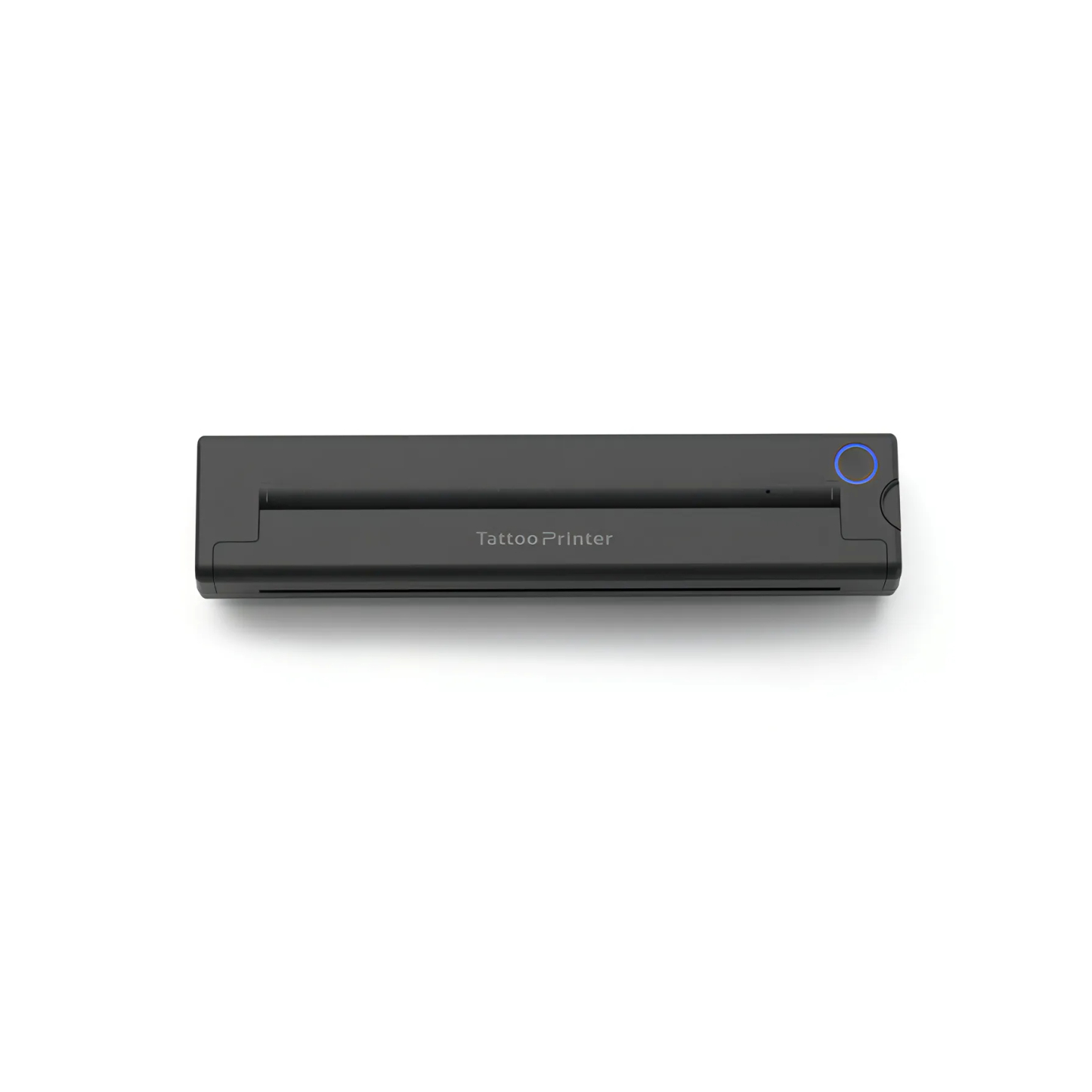
Bytech Tattoo Printer

$201.00 AUD $273.00 AUD Save $72.00 AUD
Shipping calculated at checkout.
Quantity
Free Shipping

Delivery in 3-5 working days

Securety payments

Up to 12 months installments

30-day returns

Shop with confidence

Bytech Tattoo Printer

6 Features

High-Definition Printing

Delivers high-resolution output that captures fine lines and intricate patterns with precision, enabling professional-quality tattoo results effortlessly.

Premium Tattoo Paper

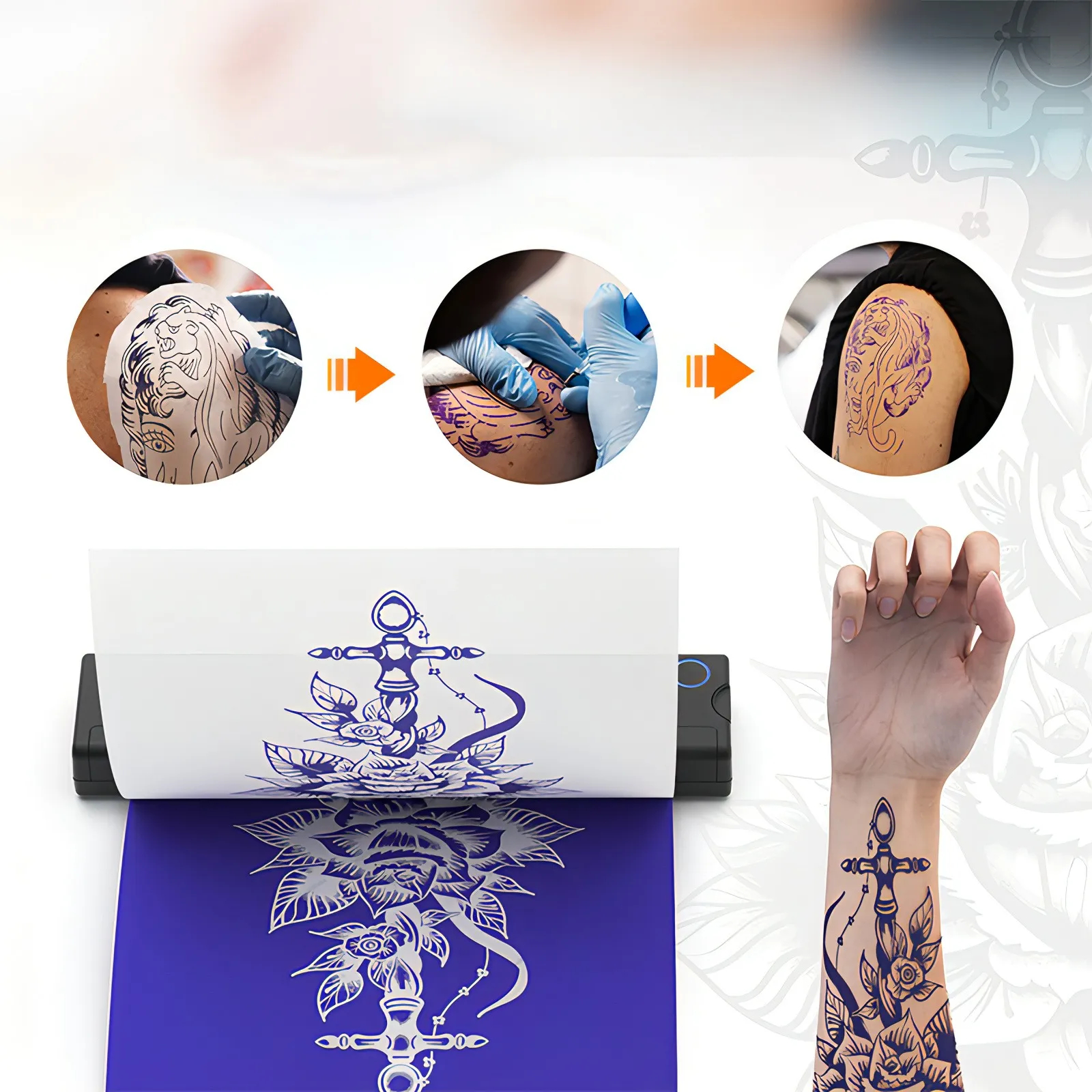
Made with high-quality tattoo-specific paper that ensures smooth and natural transfer, with designs adhering firmly to the skin and staying sharp over time.

Ink-Free Printing Technology

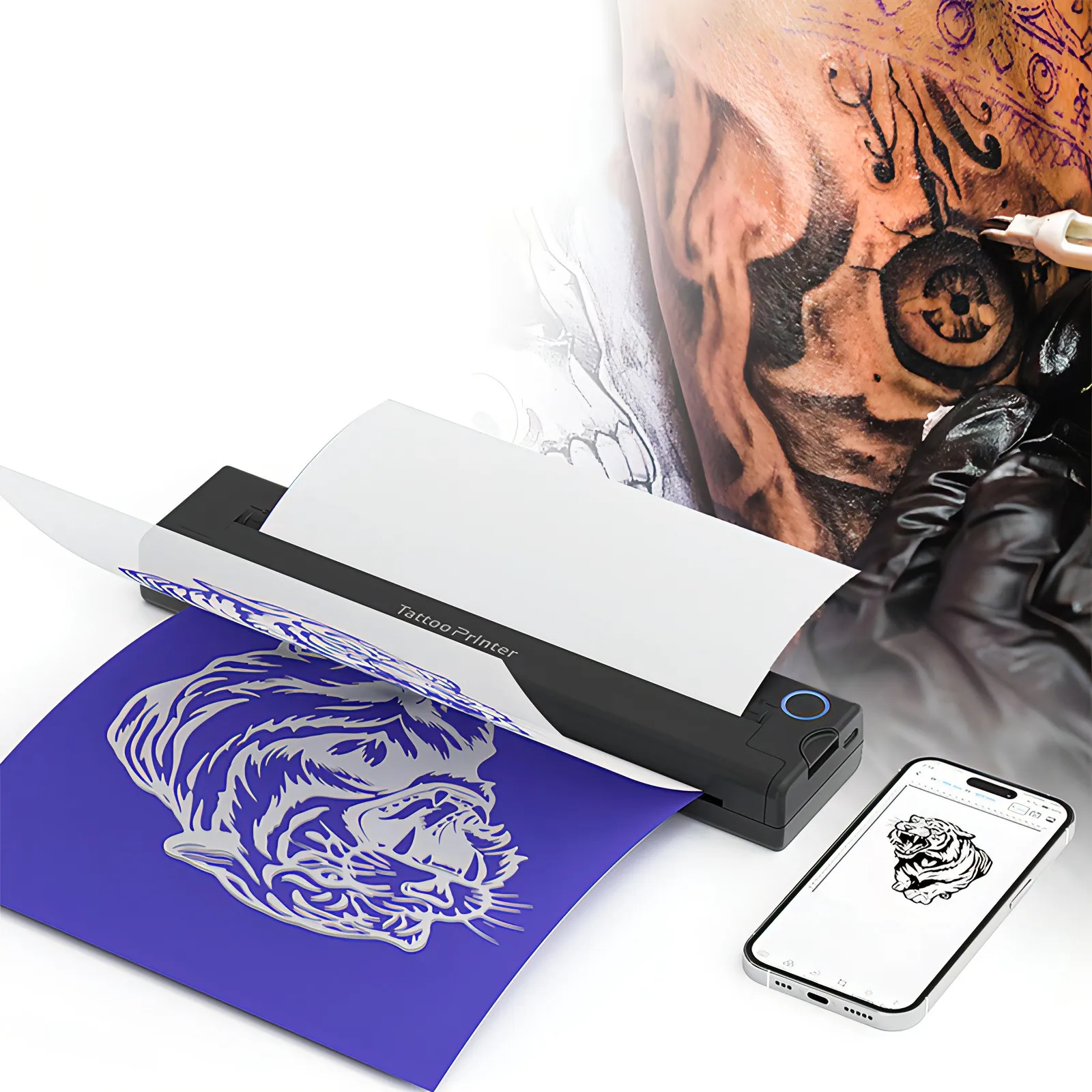
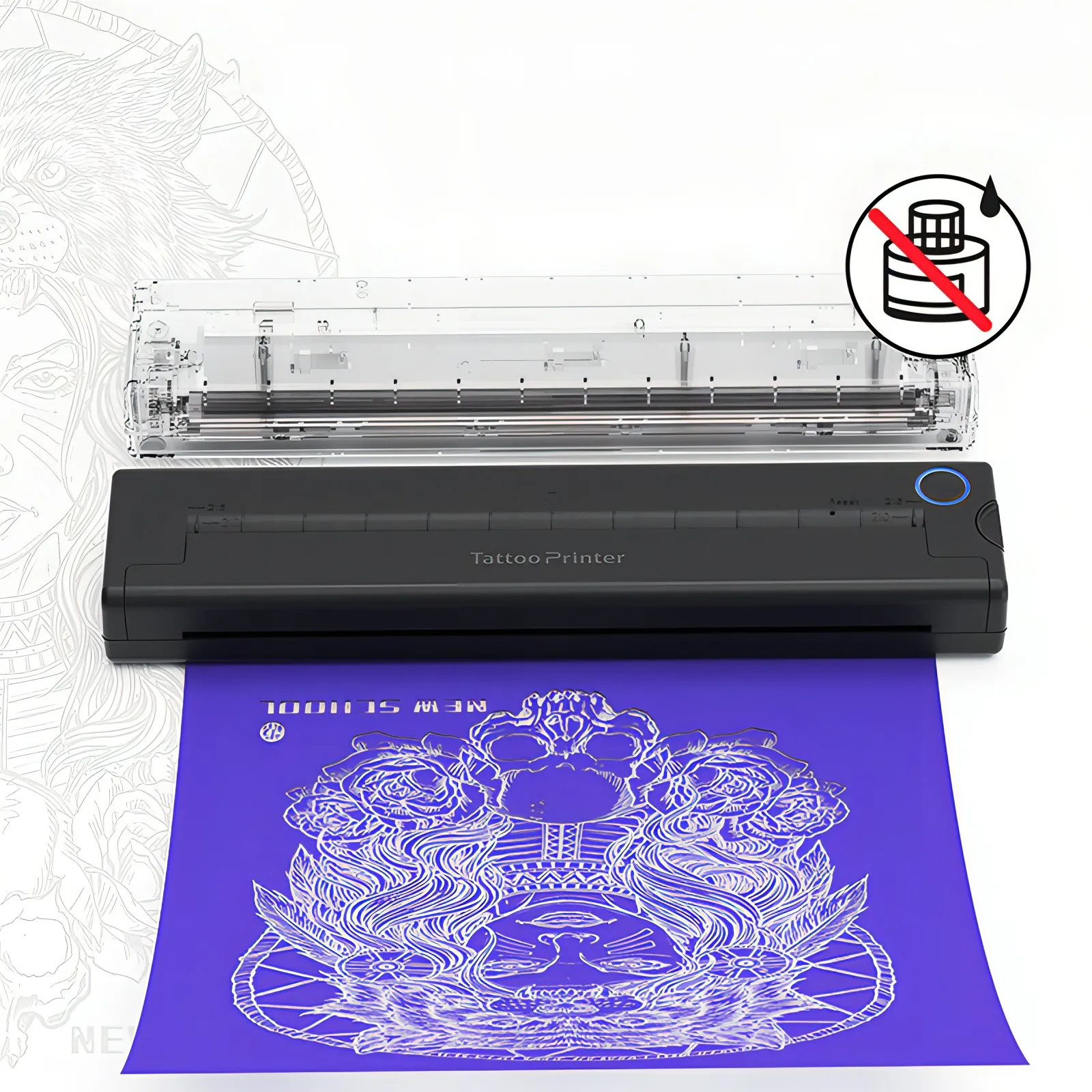
Employs advanced thermal transfer technology to print designs without the need for ink, reducing consumables and maintaining a tidy, eco-friendly workspace.

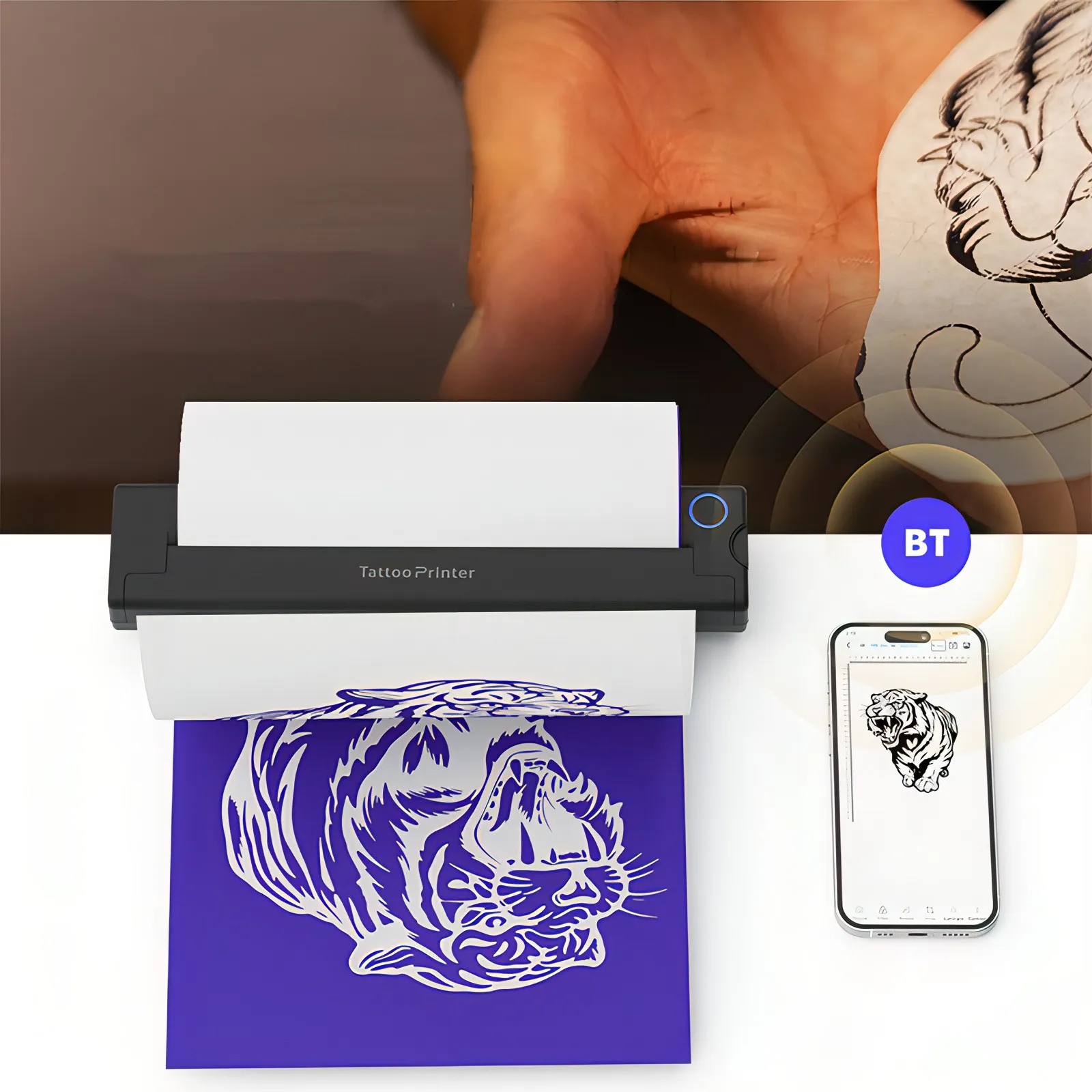
Bluetooth Connectivity

Supports wireless Bluetooth pairing with smartphones, enabling quick image uploads and real-time design adjustments for a smoother workflow.

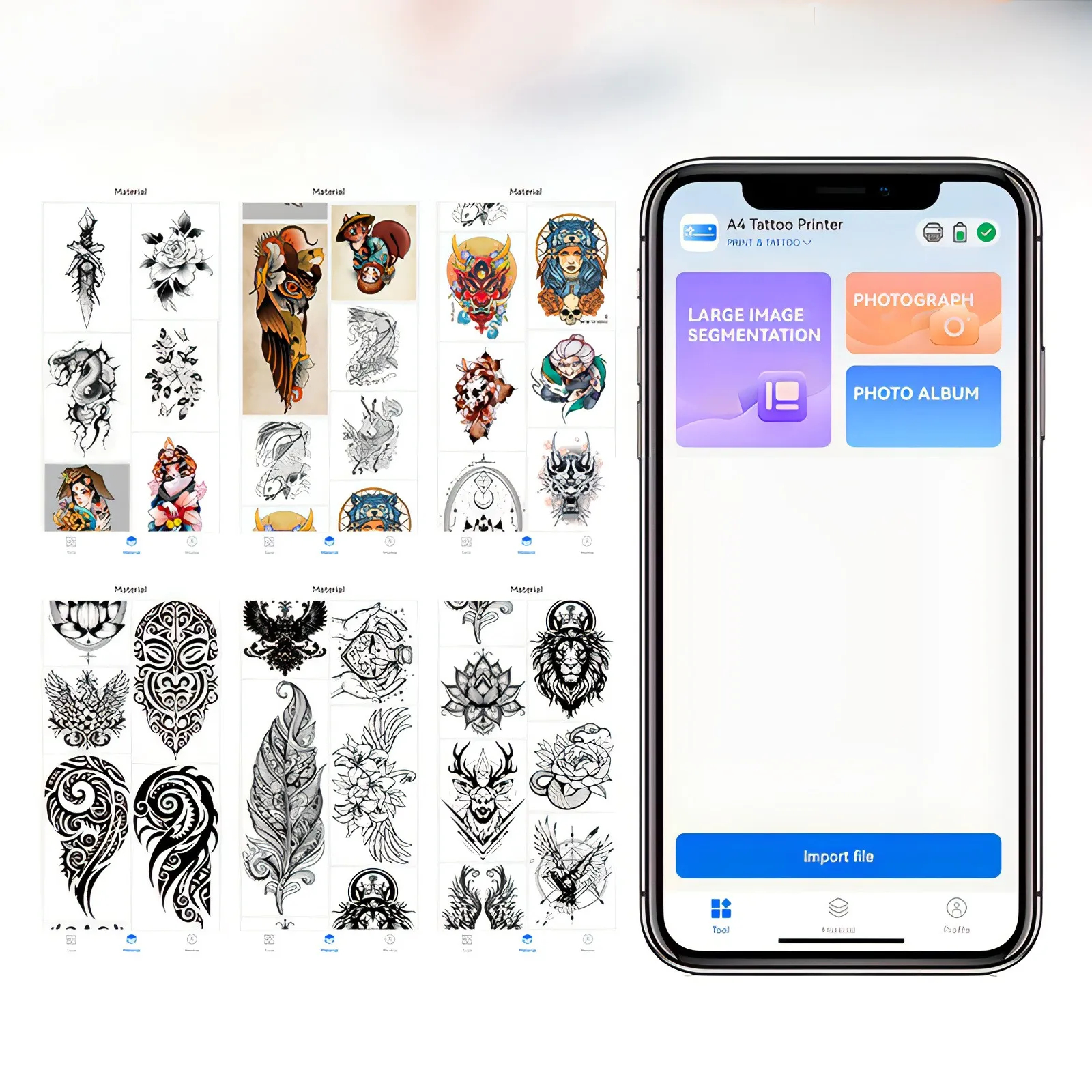
Mobile Design Editing

Built-in editing tools allow direct customization of designs on mobile devices, including resizing, rotation, and detail adjustments for personalized tattoo transfers.

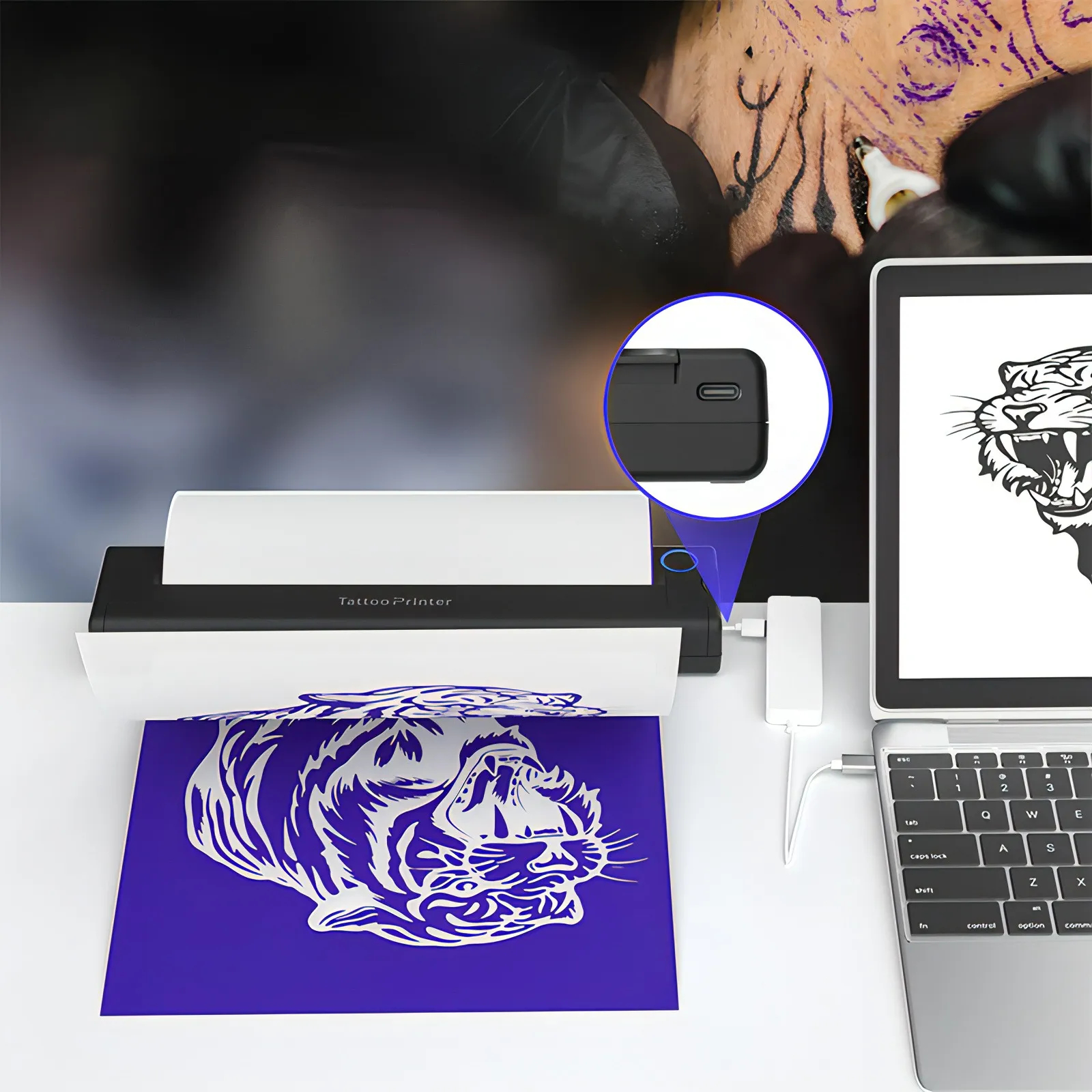
Type-C Connectivity

Supports Type-C connection to computers, allowing users to print tattoo designs directly from a computer for more precise design adjustments and printing control.

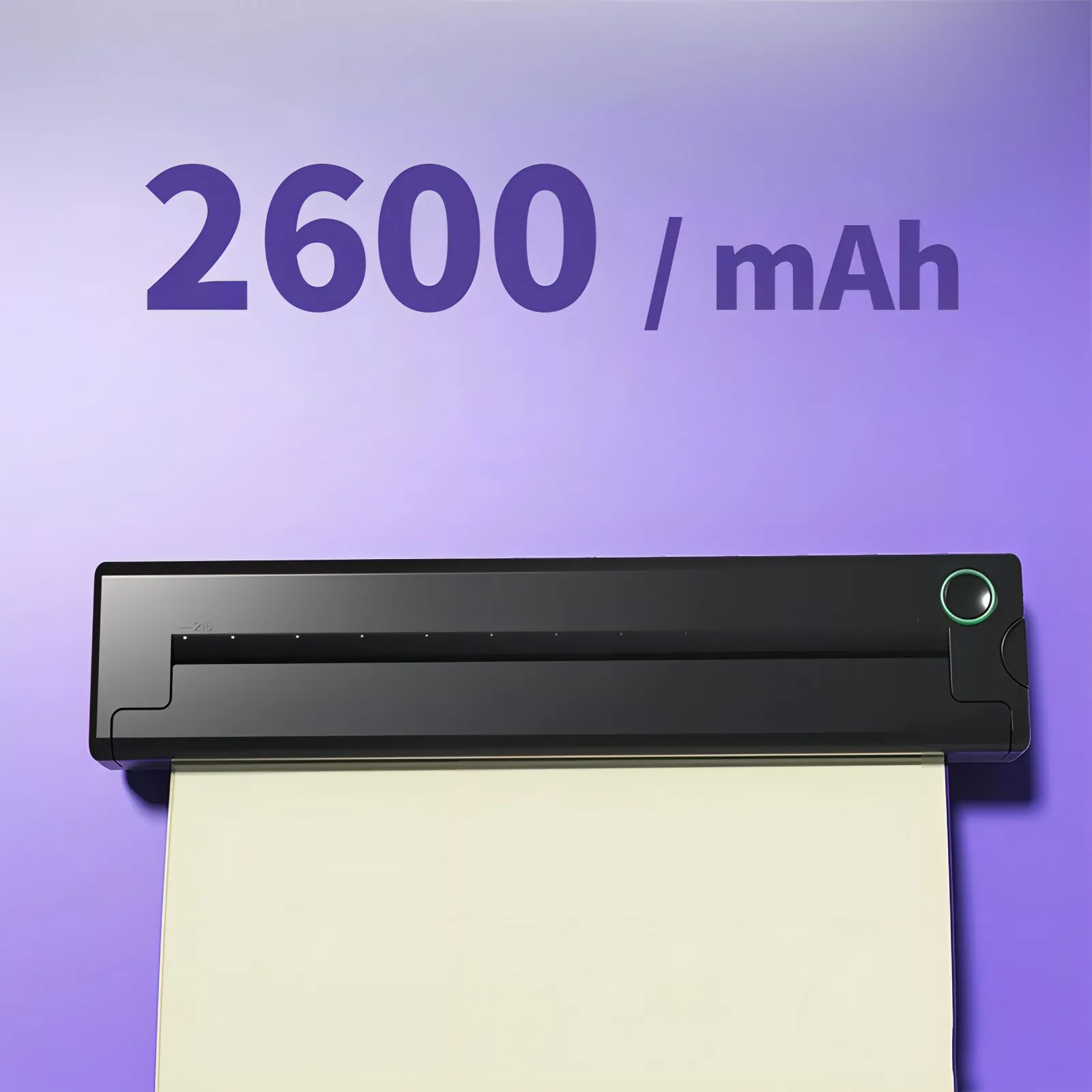
2600mAh Battery

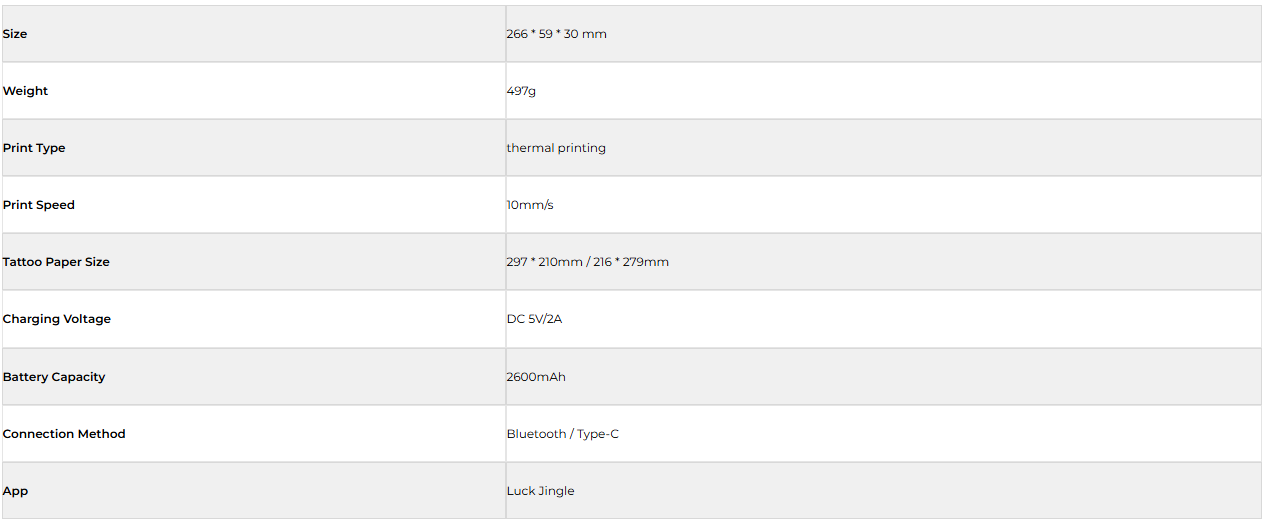
Equipped with a 2600mAh high-capacity battery, offering long-lasting power for extended use, ensuring stable performance throughout prolonged work sessions.

Lightweight Design

Featuring a lightweight design weighing only 497g, this device is easy to carry, making it perfect for on-the-go creativity.

How To Use

Step 1
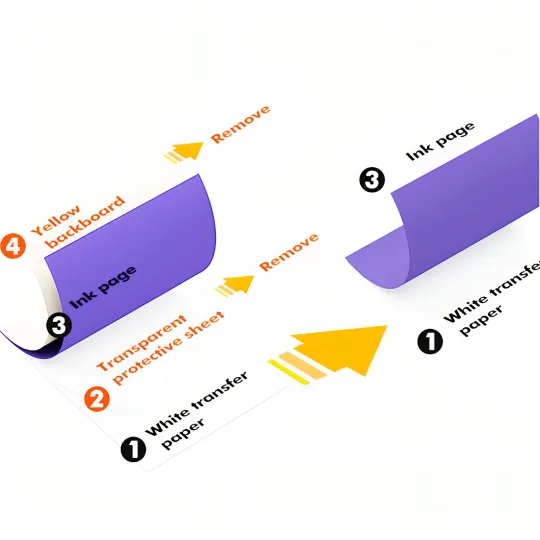
Remove the transparent protective film and yellow backing plate, leaving the white transfer paper and ink page.
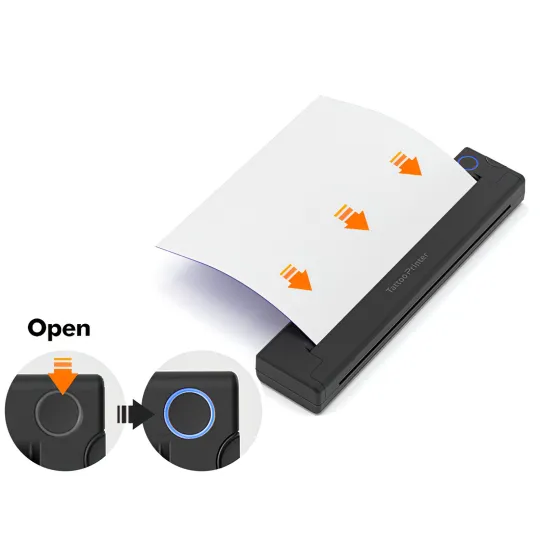
Step 2
Turn on the printer, insert the white transfer paper and ink page, ensuring the white transfer paper is facing up.
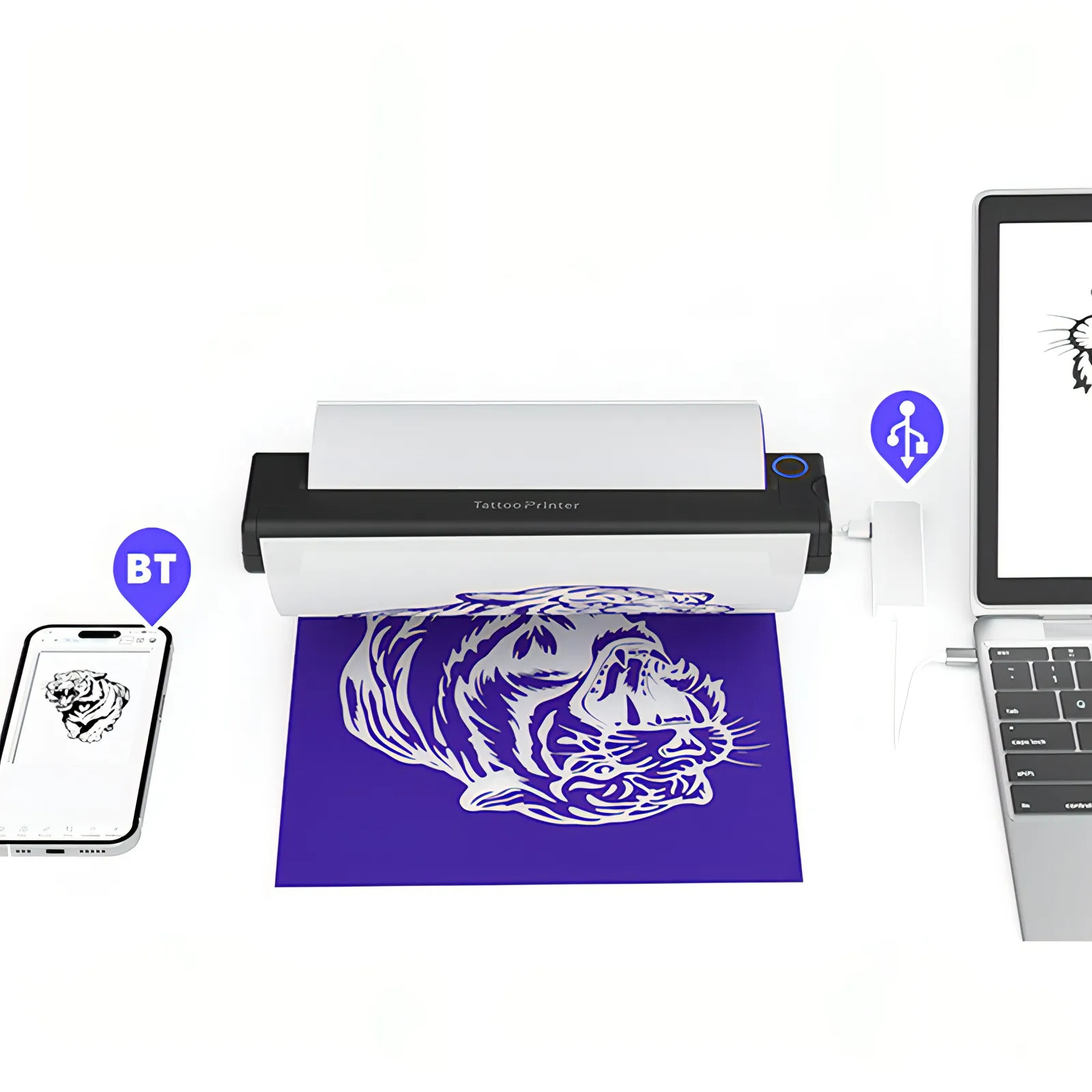
Step 3
Download the app and connect your phone via Bluetooth or your computer via USB to print the design.
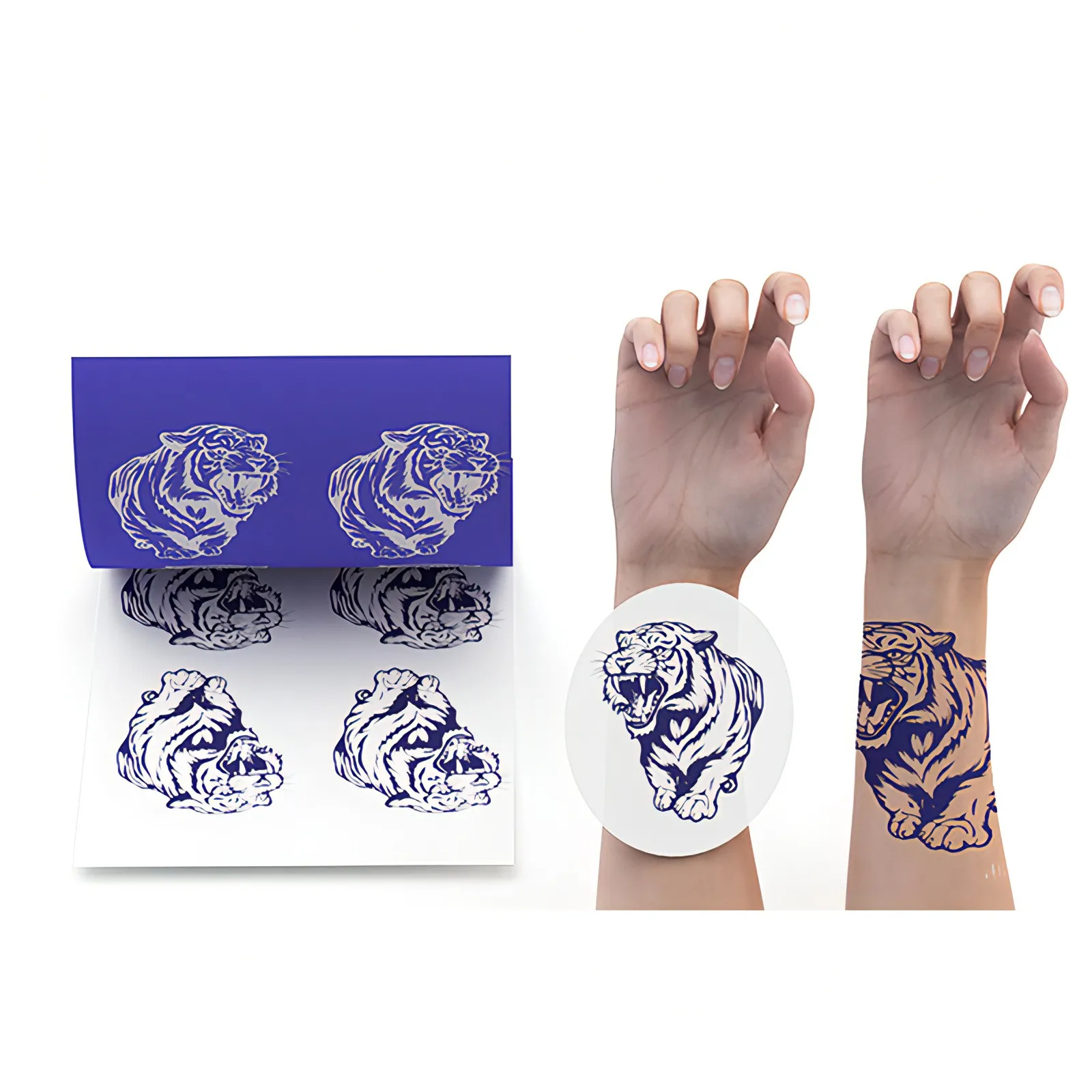
Step 4
Cut out the design and use the stencil paste to transfer the design onto the skin.
Step 1
Remove the transparent protective film and yellow backing plate, leaving the white transfer paper and ink page.
Step 2
Turn on the printer, insert the white transfer paper and ink page, ensuring the white transfer paper is facing up.
Step 3
Download the app and connect your phone via Bluetooth or your computer via USB to print the design.
Step 4
Cut out the design and use the stencil paste to transfer the design onto the skin.
1 / 2

Package

Specification